
From a sentence
to a form people
actually finish.
Twinnie turns your brief into a branded, gamified form — with a landing page, live analytics and an AI analyst that reads your responses for you.
- 0s
- avg. build time
- 0%
- completion rate
- 0.0
- maker rating
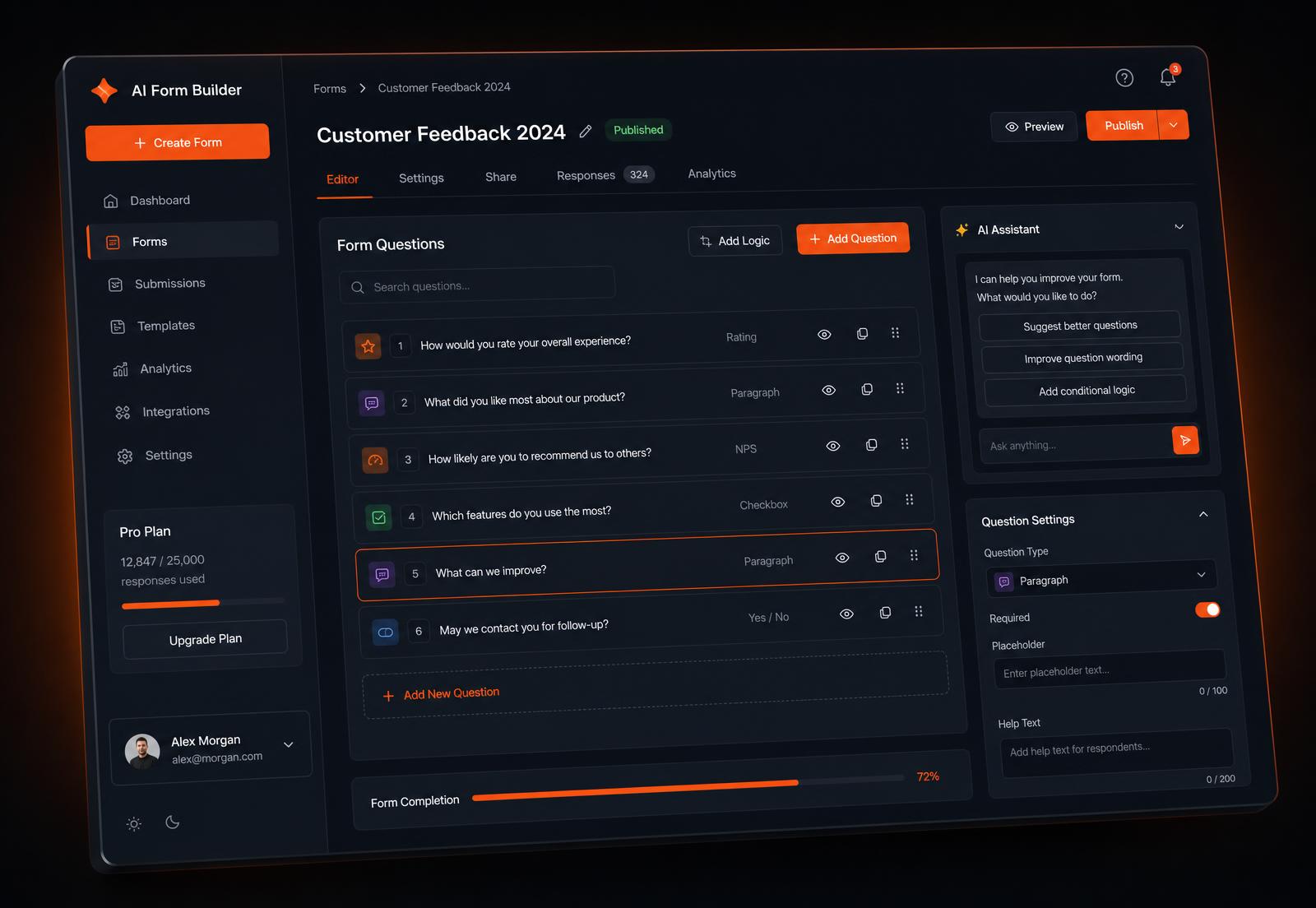
What kind of form do you need?
Paste questions or describe the flow. We'll generate it — no account needed to try.
Everything between "I need a form" and "here's what it means".
From first prompt to polished, published form — with styling tools, landing pages and an AI analyst built in.
Prompt to form
Describe it in a sentence. AI picks question types, options and friendly labels.
Your brand, your colors
Primary, accent and background tint per form — respondents never see ours.
Styling tools
Fonts, borders, spacing and animations. Make every form feel hand-crafted.
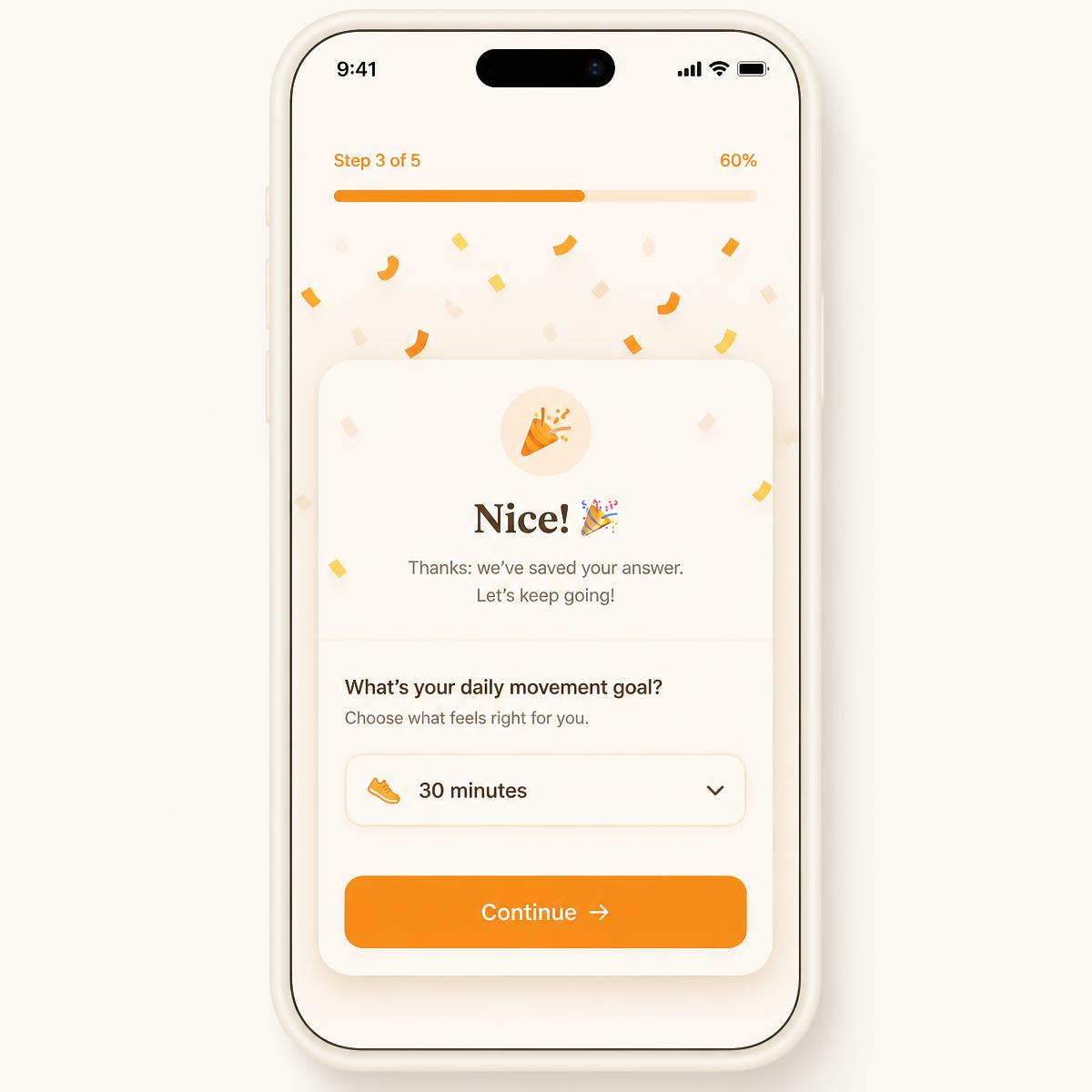
Gamified filling
One question at a time, milestone celebrations and confetti at the finish.
Landing pages
Generate a converting intro page with hero media and AI-written copy.
Rich media
Upload logos, hero images and videos. Make your form visually unforgettable.
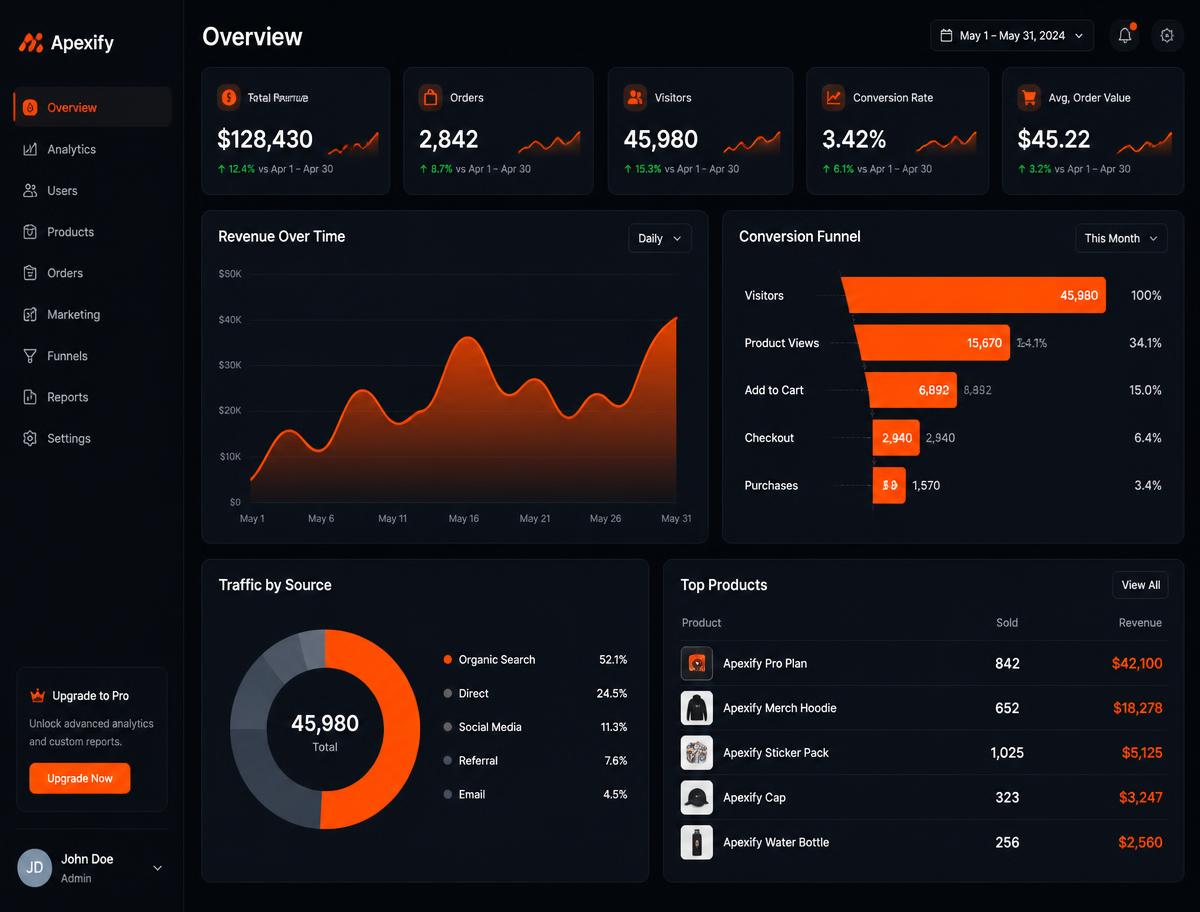
Live analytics
Views, completions, drop-off per question — plus charts you can chat with.
Drag & drop editor
Reorder questions, duplicate blocks and refine everything before sharing.
Private by default
Row-level security on every table. Your responses stay yours.
Webhooks & integrations
Send responses to Slack, Notion, Sheets or your own backend instantly.
Multi-language
Translate forms automatically. Reach audiences in their own language.
File uploads
Let respondents attach photos, docs or videos directly in the form.
Analytics + AI analyst
Ask your responses a question.
Funnels, drop-off and daily traffic out of the box — then chat with an analyst that draws its own charts from your data.
Filling experience
Warm, one question at a time.
Milestone celebrations keep people moving to the last question.
Styling tools
Make it unmistakably yours.
Every form gets its own design system. Pick colors, adjust spacing, upload a logo, choose fonts and set the mood — all without leaving the editor.
- Brand color palettes
- Custom fonts & type scale
- Border radius & spacing
- Hero media & logos
- Animated transitions
- Dark & light themes
Three steps.
Describe it
Type a brief or paste your rough questions.
Tune it
Drag to reorder, edit labels, set your brand colors and styling.
Publish & learn
Share the link, then ask the AI analyst what it means.
Makers ship faster with Twinnie.
“We replaced a 12-field monster with a Twinnie form. Completion went from 34% to 81%.”
“The AI analyst answered questions about our survey faster than our data team could open the CSV.”
“Landing page plus form in under five minutes, fully on brand. It feels unfair.”
Questions, answered.
Still curious? Build one — it takes about twelve seconds.
Never. They open your link, answer one question at a time and they're done.
Your next form is one sentence away.
Free to start. No credit card, no template hunting.
- No account to try
- Unlimited questions
- CSV export